On this page
» What is On-premise?
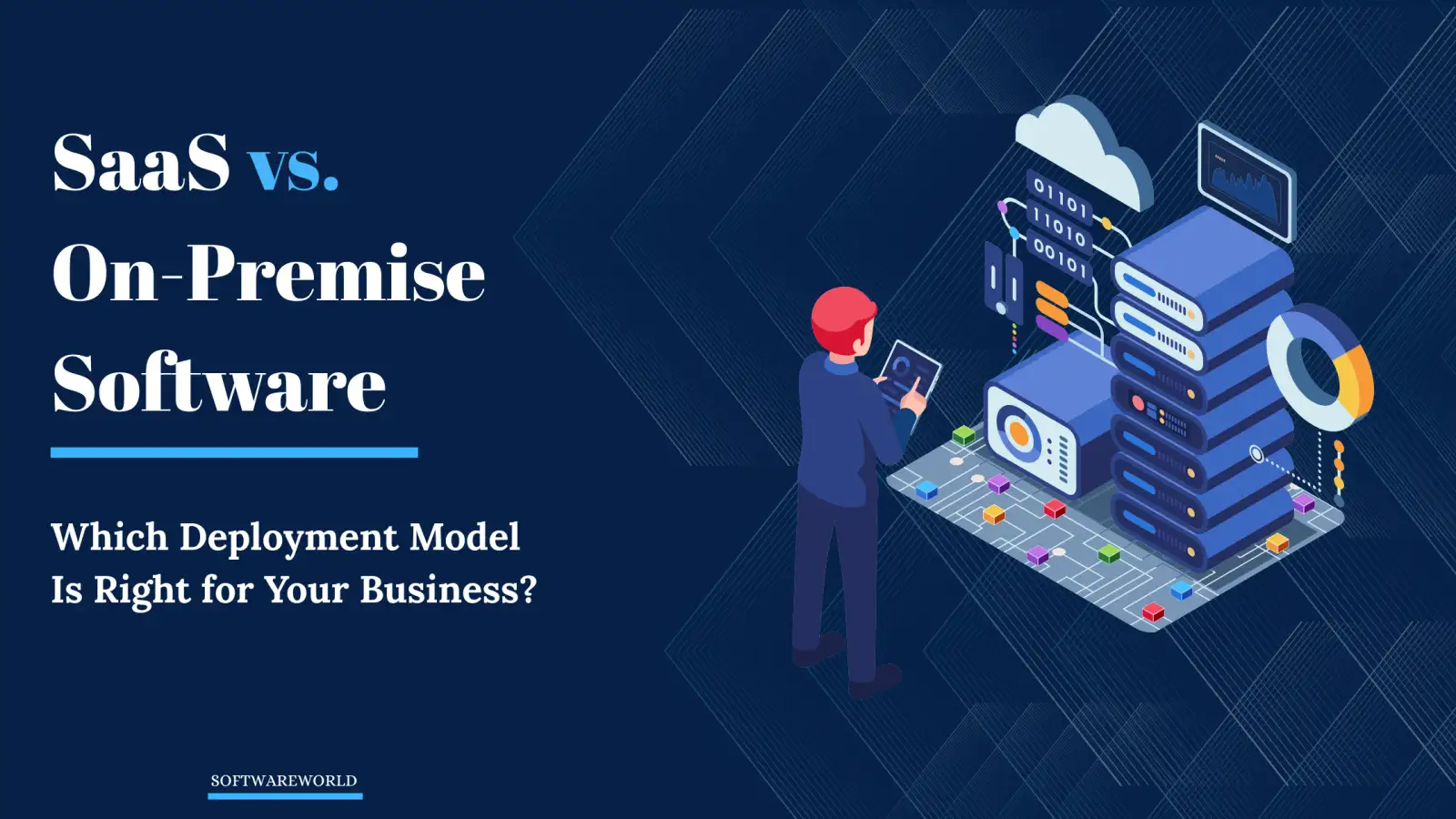
On-premises storage is the process of storing data locally, meaning it's stored on your own servers in your office. This allows information to be shared and accessed by employees over a local network. It is the most common form of enterprise storage. On-premise storage also means that the company is responsible for all the infrastructure, administration, and security costs and measures.» What is Cloud?
Cloud storage services store data, applications, and other files on remote servers. The servers that are hosting your data are called data centers and can be located anywhere in the world. In this model, the cloud service provider is responsible for installing and maintaining all necessary hardware, software, and other infrastructure required. This means you don't need to hire dedicated personnel to monitor security constantly. As for information sharing, data and services are accessed via the Internet.» What are The Benefits and Drawbacks of Hosting Your Data in a Cloud-based Environment vs. On-Premises?
-
-
Cost
-
Cost is always a factor that can’t be ignored when you’re trying to make a sound business decision. Security is important, but you'll also want to get the most bang for your buck. Achieving a balance between these two factors is important, so you can find an option with maximum security at an optimum cost. It's a known fact that on-premises storage is much more expensive than cloud storage.
Companies using on-premises must spend more money on infrastructure, IT teams, and other security measures on their own. Since your data will be within your arm's reach, you will also have complete control over it. However, to enjoy this control, you also need to invest more in physical security measures. You'll need to buy VPNs, anti-virus software, and firewalls to protect your local network from malware, cyberattacks, and security breaches. You also need to maintain these security measures and have an army of IT experts who can handle any network failure or provide support.
On the other hand, cloud storage means you don't have to worry about most of that stuff. Ensuring your data's security is the responsibility of your cloud service provider. Since they're providing this service for a lot of different customers, instead of paying for these security measures yourself, the cost gets divided among all their users. As a result, you get to enjoy the best cybersecurity without paying the full price for it.
WINNER: Cloud storage
-
-
Control
-
As mentioned above, on-premises, you have more control over your data than with the cloud. Even though cloud providers claim their security is superior to on-premises, it can be hard to believe that, when in 2021, around 40 billion records were exposed in just one year.
When using on-premises, there is no need for the Internet to access data. This means that a remote hacker cannot get access to your data since it is not hosted online. The lack of a third-party provider means fewer people have access to your data. Since everything is hosted on-site, problems can also be solved faster and by people you trust completely.
However, remember that breaches can happen on-premises also. It's not a cloud-exclusive phenomenon. Employees with bad password habits and no multiple-factor authentication will pose a risk to security both on-premises and on the cloud. For some companies, the on-premises offer of 'hands-on security' is worth it since it means more control.
It is important to note that cloud services are not always reliable when it comes to downtime and internet connectivity issues. You do not have as much control over this kind of problem as you do with an on-premise system, where you can personally try to fix the issue.
WINNER: On-premise storage
-
-
Data Redundancy
-
Backups are one of the most important data security practices. With cloud services, it's easy to do. All you have to do is contact your cloud service provider to scale up your data storage. In most cases, this act of duplicating copies of your data or 'data redundancy' is a built-in feature of cloud technology.
Since most cloud providers' data centers are located in different regions, it can help protect your data from natural disasters, fires, physical damage, and other threats. If you're using Amazon Web Services (AWS), the probability of losing your data is one in 100 billion.
When you choose an on-premise solution, backing up your data can be a much more difficult process. You will need to buy extra servers along with all the necessary infrastructure and store the backup in a different location than your original servers for greater security. Because of the cost involved in setting up redundant systems, cloud services are often a less expensive option when you're looking for data redundancy or to increase data storage.
WINNER: Cloud storage
-
-
Encryption
-
Encryption is one of those cybersecurity strategies that you don’t know how important it is until something goes wrong. Encrypting your data means turning it into a ciphertext that can only be read if you have the encryption key. This is the surefire way to protect your data in case of leaks and theft. It essentially makes your data unreadable, even if it gets into the wrong hands.
Most cloud providers do encrypt data, but the strength of their encryption varies from vendor to vendor. It can be a hassle to go through your cloud provider's policy regarding key management, which makes it difficult to find a service that can match their encryption capabilities to the sensitivity of your data. There is also the safety concern that a third party has a copy of your encryption key.
In the case of on-premises encryption, you don’t have to jump through as many hoops. Your IT team can simply use a hardware security module—a device that stores your encryption key behind your own firewall. This method makes sure only you have access to your encryption keys in the safety of your office, whose private network can only be accessed by authorized users.
This is why most government agencies, like the Department of Defense, use on-premise and hybrid setups to protect their data. In a hybrid method, data is managed by a third party, but the encryption keys are kept on office servers. Since your cloud service provider doesn’t have a copy of your encryption keys, it protects your data from being decrypted if it gets stolen during transfer.
WINNER: Tied
-
-
Flexibility
-
Now that more businesses are moving toward a hybrid or even fully remote work environment, being able to access your data from anywhere, anytime, is more important than ever. The cloud can make the work-from-anywhere model easier to achieve as long as employees have a reliable Internet connection. This provides greater flexibility and real-time collaboration to employees who may be working from different countries or time zones. They can work on the same project simultaneously thanks to robust version control, easy file sharing, and lower latency for uploads and changes made to huge files.
On-premises systems also offer the same level of flexibility as in the cloud, but not to the same extent. You will need to use VPNs to access data remotely, which can slow down latency for uploads and downloads. On-premises solutions also need custom network security measures to maintain data security.
WINNER: Cloud storage
-
-
User Access Controls
-
Now that we've talked about how data can be accessed, let's talk about who can access it. Not every employee in your organization needs access to every piece of data you have. That's why cloud companies provide role-based access control so employees can only access the data they need to perform their jobs.
Another method of controlling access is through multi-factor authentication, which requires two or more verifications (pins, passwords, biometrics, or one-time passwords) before granting access. You can use these methods of access control for on-premises servers, but the catch is that you'll also need physical security to control access to your server rooms.
It also means that you'll need to employ physical security (key cards, retinal scans, and electronic lock doors) that needs to be built and maintained by security experts. Of course, this adds to the cost—but it's better than giving someone access to your data without knowing who they are or what they're doing with it!
WINNER: Depends on your needs
-
-
Privacy
-
These days, data privacy has become a hotly debated issue. Many people believe that on-premises storage provides 100% privacy because no third party is involved. But does the same hold true for cloud services? Not really. After all, cloud providers have access to all your files, data, and communications. But it's against their policy to access your data unless in certain circumstances (such as evidence of fraud or abuse) or if the government requires them to do so. As mentioned earlier, you could encrypt your data so that it is unreadable to anyone except you.
However, your cloud provider still has a copy of your encryption keys. To keep your data private, you may want to avoid storing extra sensitive information in the cloud and instead use personal servers. You could also encrypt your data before uploading it to the cloud. At the end, you will need to implement your own security measures if you want total privacy while using cloud services.
WINNER: On-premises storage
Conclusion
The answer to the question of which is more secure—cloud or on-premises—is complicated. Cloud is no more or less secure than on-premises because any security measure that can be used in the cloud can also be used on-premises. The security of both depends on extra measures taken by users. There are no special security protocols that apply only to one or the other. The difference between the two options is really about how many resources you have and what you are willing to compromise on.
On-premises is a better option for those who want total control of their data and don't mind paying the price. Whereas the cloud is more flexible, easier to use, and costs far less. You get the best cybersecurity experts protecting your data without having to lift a finger. But it also means trusting the third party with your most sensitive information stored in an unknown location.
This also makes it impervious to data loss! Keep in mind that no system is 100% secure, and people make mistakes. Even the US Military—which has some of the most sophisticated security in the world—sometimes has leaks and thefts. So how do you choose the best security system? The best security system is the one that helps you feel the most secure.
Author Bio:
Shivani Sehta is a marketing enthusiast and content writer at World Fashion Exchange, a leading Apparel ERP Software and PLM software company for fashion. She specializes in writing content about the latest technology trends. In her free time, she likes to dance and spend time with nature.