On this page
Android 10, launched in September 2019, is the 17th version of the Android mobile operating system. The version is available in the market and can be downloaded on your phone in a few simple steps. The version is equipped with a number of interesting features that are immensely beneficial to the developers as well as users.
Being a fresher version of Google's mobile operating system, Android 10 brings a native dark mode, enhanced privacy and location settings, support for 5G phones, and more. These new features will really help mobile application development companies to envision a great and result-oriented future of the Android operating system. This blog enlists the best features you can expect to see in Android 10.
» What's New in Android 10? Featured Explained
Listed below are the top Android 10 features that can go a long way in aiding mobile apps equipped with great functionality & design:
1. Replacing Wi-Fi password with QR Codes
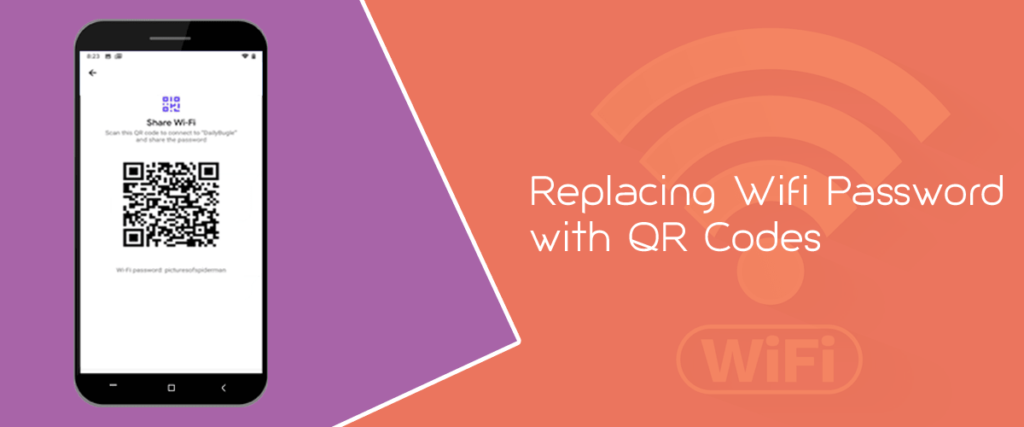
Android 10 has replaced the Wi-Fi password by featuring an all-new QR code functionality that will directly scan the QR code. Now, you don‘t have to keep asking others for the WIFI password; just scan it once and you are done.
This feature will prove to be quite useful for users as well as for a mobile app development company. It’s great for people who tend to forget their password and then stuck midway. This feature will make it quite easier to connect to others WIFI with the help of QR code.
The option is available in the settings menu of your mobile phone.
2. Bubbles- Facebook Messenger Chat Notification
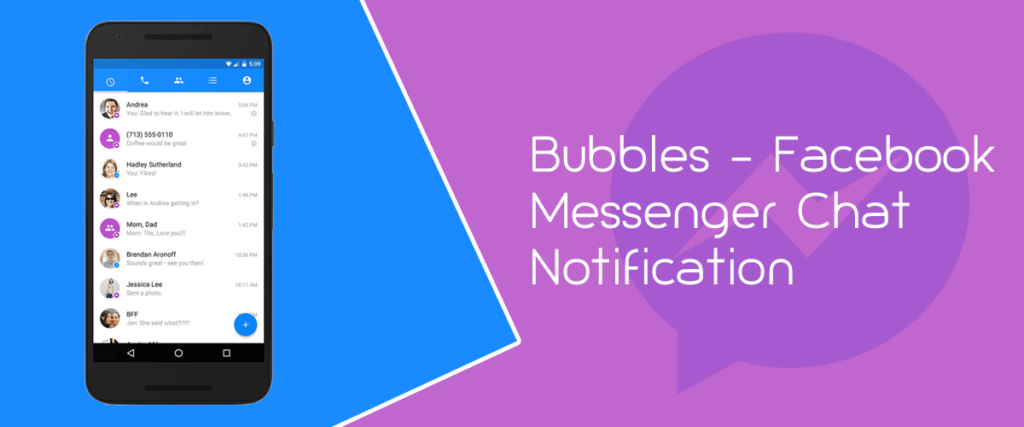
Are you an active user of Facebook Messenger Chat? Then, probably this feature can be fruitful for you. Bubbles are similar to the Chat head feature of Facebook Messenger that allows the notifications to appear as bubbleheads on the screen.
However, this feature is app-specific and appears for the phone app informing you about the missed call in an activated call.
3. Location Control Simply via the Mobile

With location control, you can now gain control over the system of apps using the location of the device. With just your Android mobile, you can decide whether you want to allow the device to use your location or simply want to deny it. You can also choose to share the location only when the app is in use. The feature is added to ensure privacy and extend the battery life of the phone.
4. The System-Wide Dark Mode Theme
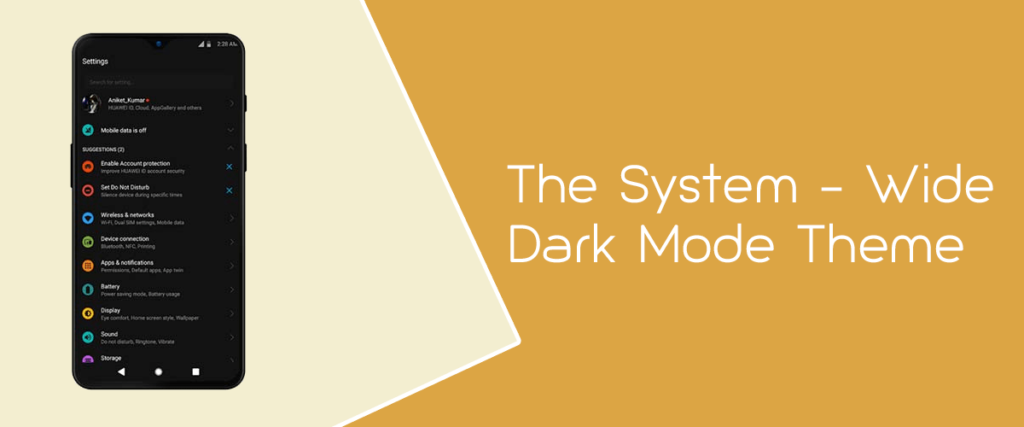
The new version of your Android comes up with a cool feature of a dark theme that will let you trigger the dark theme in two different methods. You can set the dark theme by visiting the notification center and can choose the other mode by putting your phone in the Battery Saver Mode. This will save you from extra battery-consuming pixels and extend the battery life of your smartphone.
Other than that, the dark theme makes your phone look really cool both aesthetically and for the overall graphics & characters.
5. Dedicated Privacy Settings
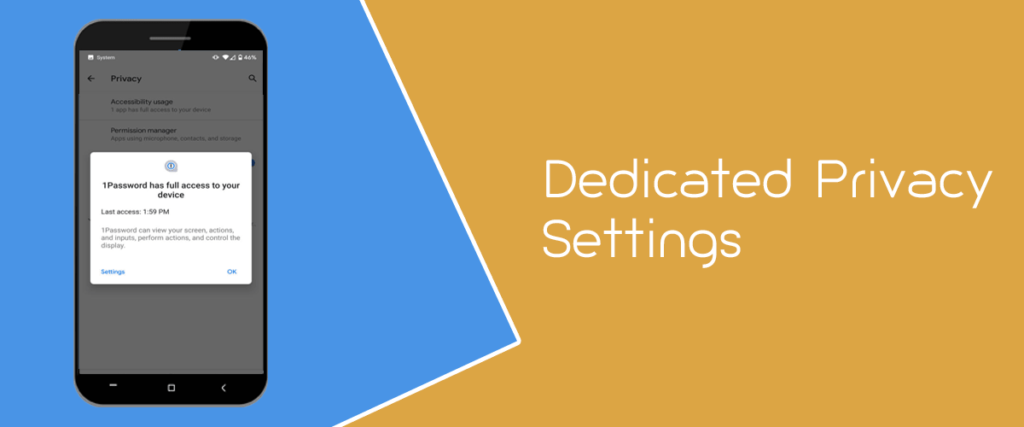
A dedicated privacy feature is surely a must to have add-on feature to the Android 10 update. It will ask permission and help you to set passwords before opening apps like the camera, contacts, or microphone. It helps you in locating & downloading safe apps and revokes the malicious ones. Security & privacy is a must-have feature in the modern phone system.
6. Undo App Removal
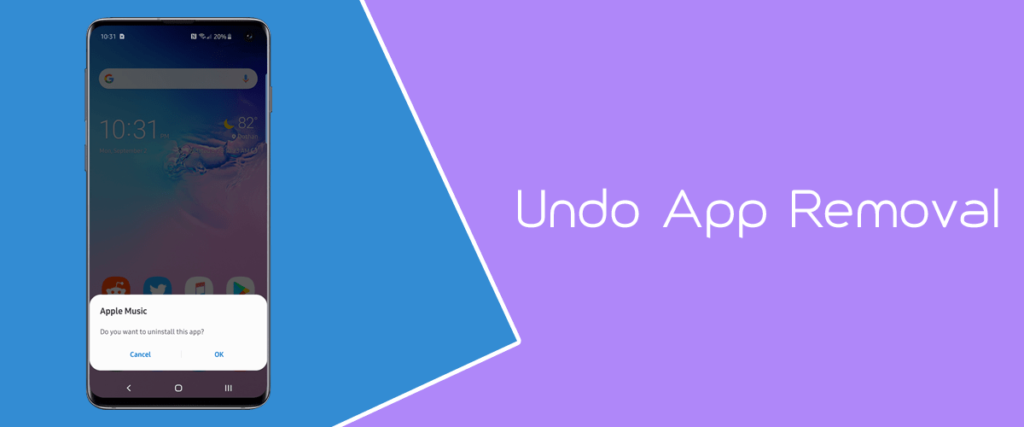
Isn’t it really annoying when you accidentally remove a useful app from your mobile and you cannot reverse this than to again go to PlayStore download & install it from the start? Well, the problem is resolved in the latest version of Android 10. Now don’t worry if you have deleted an app accidentally from your phone that you loved a lot. You can reverse that removal just by tapping ‘undo’ available for 10 seconds when you delete an app.
The undo button will be located at the bottom of your screen and when you press it, your app will be back to its original place.
7. Live Caption
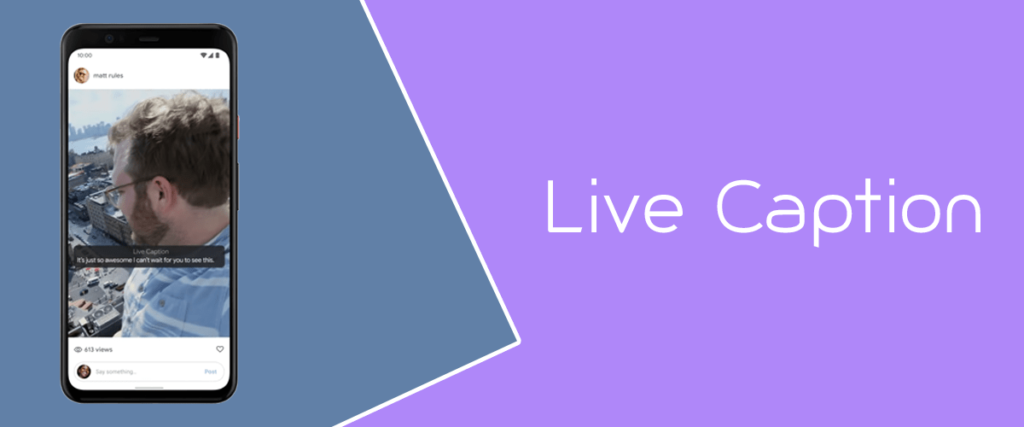
Google, in this newer version, has developed a live option to make the Android beta more available. This live caption is currently been added to phones- Google Pixel 4 and Pixel 4 XL and will soon to be added to other Android phones as well.
This feature will generate captions for the user & will get you to know about the video streaming in the network, even without a data connection. Just tapping on the option & dragging it along the screen will let you open up the video and you can enjoy watching it.
8. An Instant Smart Reply

Smart reply is a very cool feature that will help top mobile app developers from many big companies to use Google tools for a smart & instant reply. You can suggest your responses to your emails or some other suggestions on Google.
Just speak out your command after switching on the Smart Reply feature on your phone and do not type your answer. With this all-new update, you can very easily respond to texts and messages on your phone. The app also gives suggestions on your own and helps in recognizing maps and dates from the calendars.
9. Digital Wellbeing By Managing Your Screen Time
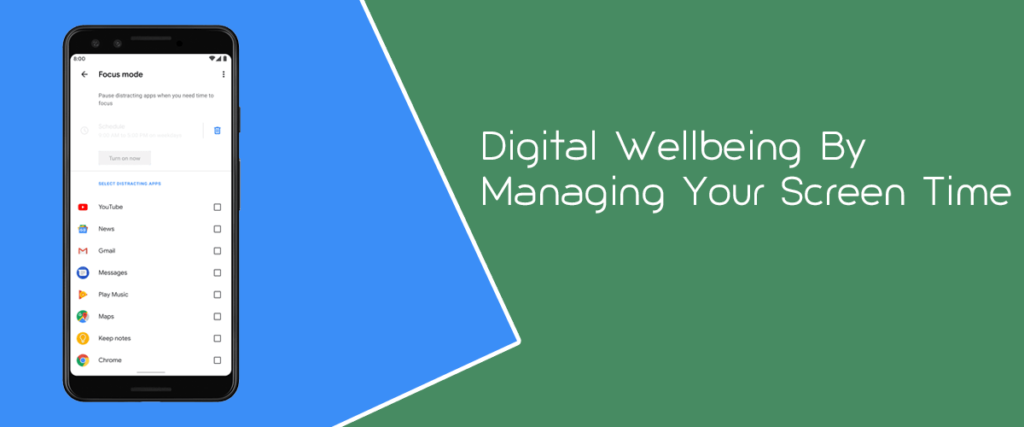
Digital Wellbeing is yet another feature you are going to see in this new version of Android 10. This function is extremely helpful in managing your screen time and will keep several apps in silent mode when you are amidst some important work and don’t want distractions.
Additionally, you can also monitor the usage of the phone for the observation of most of the phone features and this helps you to keep your screen time in check. You can also see Family Links on the phone with which you can look for the screen usage of the phones in your family link. This helps you in maintaining your phone well.
10. Scoped Storage with Foldable Support Feature

Scoped storage in the new Android version allows the external storage on the phone to hide the phone information from the device identifiers. This feature avoids exposing the information on your phone to external sources when your device is connected to the Wi-Fi network.
Also, the Android 10 recent update remains the only system that supports both the foldable and unfoldable types. With this, the foldable phone is expected to be run on the system of the Android 10, thus making a new move towards the phone technology.
» Conclusion
Android keeps offering fantastic features to Android users with every update. These updates are launched to rectify the old mistakes and increase the overall performance of the Android system facilitating enhanced user experience. Have you updated to this new version of Android? If not, then do it quickly in a few simple steps and keep enjoying these exciting features in your smartphone.