On this page
» Why Grammarly or Why Not Grammarly?
The writing industry seems to be dominated so much by Grammarly users that thoughts about its alternatives rarely cross any of our minds. Even though quite a lot of Grammarly suggestions seem inappropriate at times, we continued to rely on it since that's what the industry demands. But, it's high time that writers shift to a tool that's more accurate and polishes the content.» 11 Grammarly Alternatives
For those of you who are such a grammar nazi that inappropriate Grammarly suggestions are not something you can have in your content, here are the 11 best alternatives to Grammarly:1. ProWritingAid
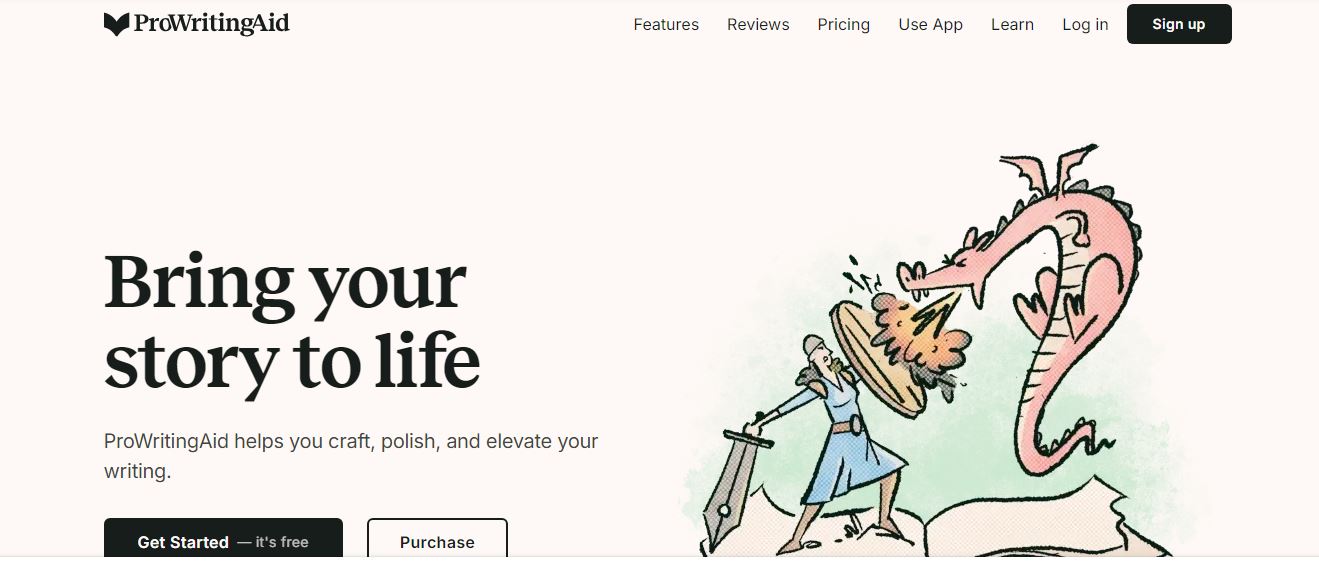
ProWritingAid is believed to be one of the most accurate and helpful tools for checking Grammar or editing writing style. It acts as a writing mentor by pointing out errors and suggesting alternatives that are comparatively better than any tool. What differentiates it from others is that it provides in-depth writing reports that deal with the smallest and biggest of the issues with a particular content.
› Special Features:
• 20+ in-depth writing reports for a single piece of content
• Integration with all the useful apps ranging from Google Docs to Gmail that saves you time
• Customizable writing style guides to add specific requirements in content.
› Pricing:
• Basic free plan available
• Premium plan starts at $10 per month when billed yearly
2. Readable
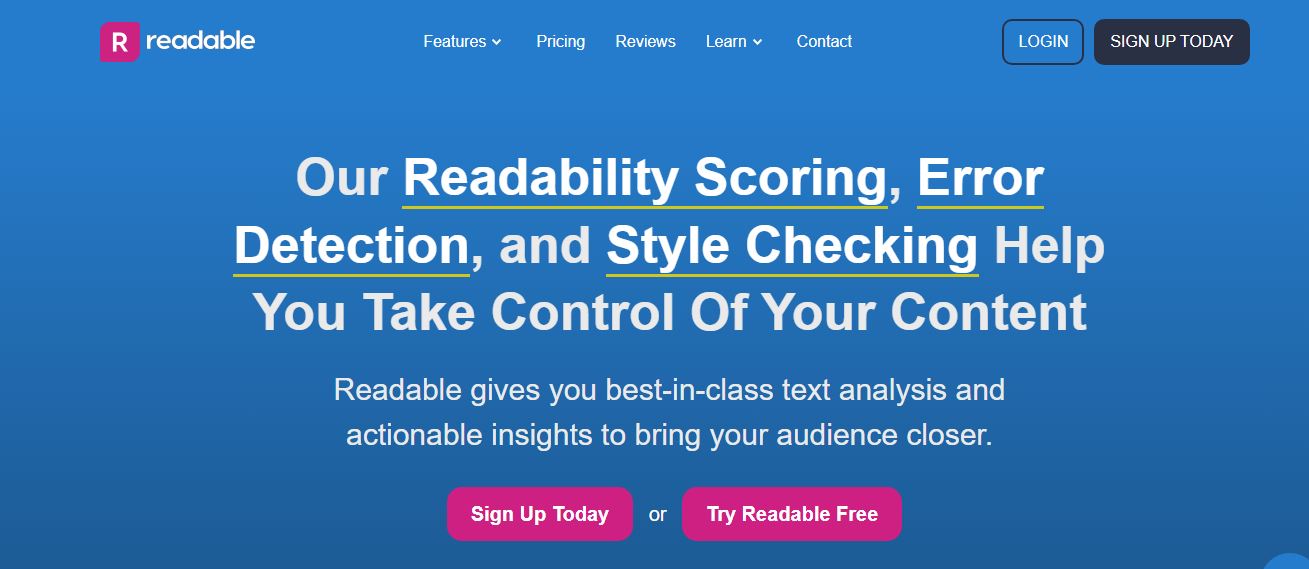
Readable is yet another grammar tool that quickly tests the readability, Grammar, and spelling errors in content to show a list of suggestions that might seem more accurate. Readable analysis reports have shown that 85% of people out there can read one's content if Readable gives it eight grades or lower.
› Special Features:
• Website Scanning that lets you audit an entire site at once
• URL analysis makes it insanely easy to analyze a single URL in one single click
• Bulk Scoring can help when you need to score multiple texts at once.
› Pricing:
• $4 per month when billed annually
3. WhiteSmoke
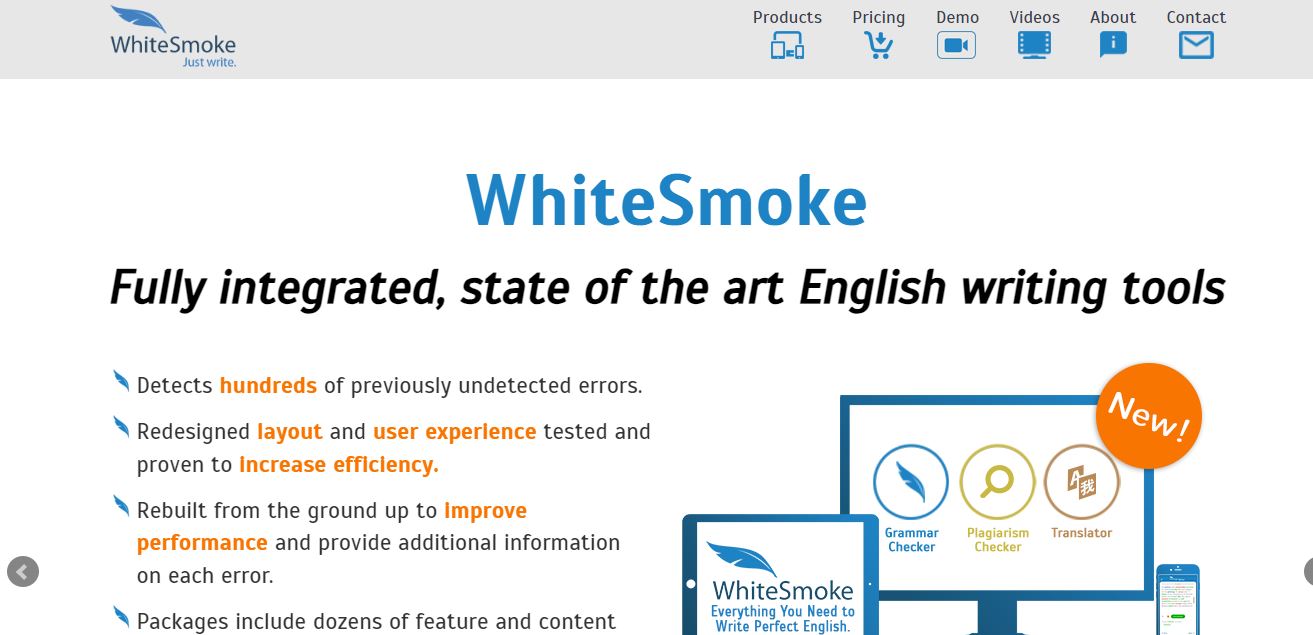
Right from being a grammar checker to including all the important tools one needs for well-structured content, WhiteSmoke plays the role of a spell checker, punctuation checker, translator, and style checker, all in one! Especially in terms of technology, WhiteSmoke is one of the best grammar tools in terms of updated technology to help writers and everybody who needs absolutely accurate content.
› Special Features:
• Updated and innovative technology
• Suited for academic requirements
• NLP (Natural Language Processing) Technology
› Pricing:
• Mere $5 per month for web users, $6.6 for premium users, and $11.50 for businesses! (Added features in the premium and business plan)
4. Ginger
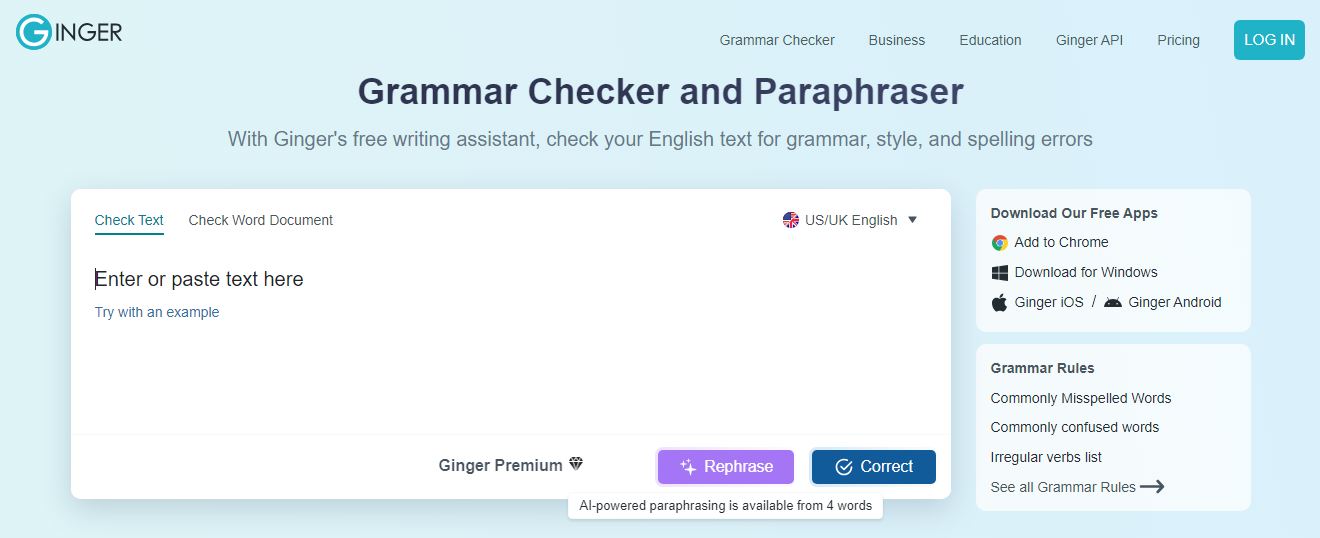
Ginger holds you back from making any mistake whatsoever in a particular text by providing accurate and expressive texts in return for a draft that you submit. Not one, but nine different tools that take care of everything that content requires from the right expression, word choice, and accurate Grammar, to better sentences! While some of Ginger's features are absolutely free, the better and improved features are available for a one-time subscription.
› Special Features:
• Emoji feature that lets you express better with more than a hundred available characters
• Sentence Rephraser that provides exactly the inspiration one needs for their writing style
• Text reader that lets you listen to what you've written and understand if it meets your expectations
› Pricing:
• $20.97/month, $7.49/ month if opting for a year plan.
5. Reverso
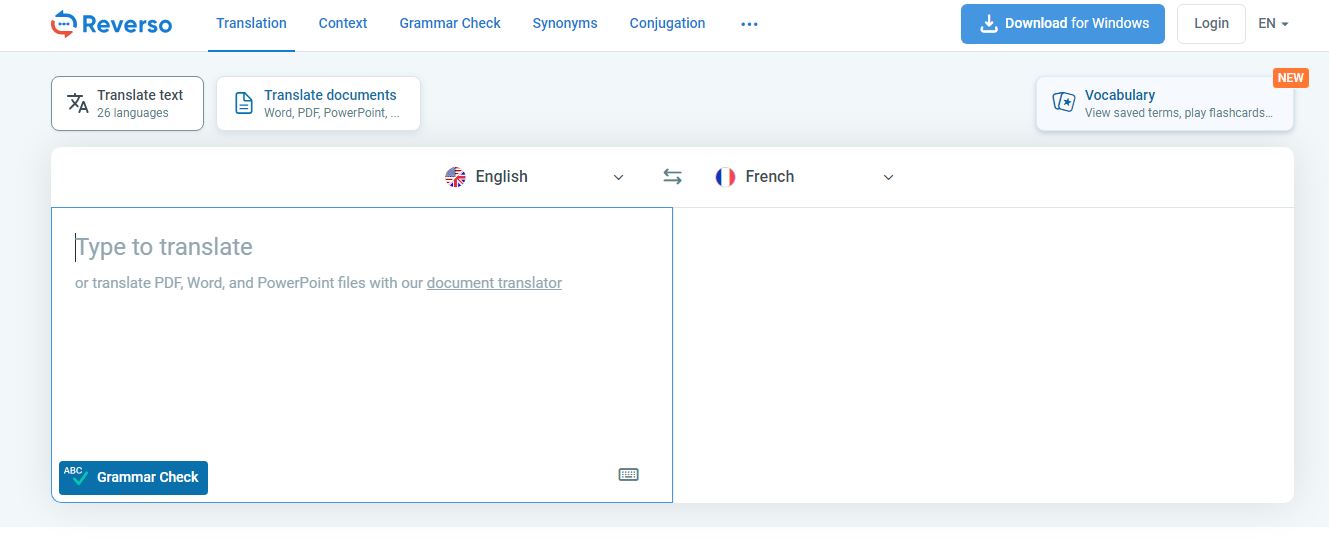
For every unknown word in your text, Reverso will display an available definition, synonyms, conjugator, and correct Grammar! That means better suggestions with the ease of a single click. With all the important linguistic tools available, Reverso offers a dictionary, context, synonyms, Grammar, and conjugation functions for your text.
› Special Features:
• Accurate grammar suggestions
• Word replacement with a list of appropriate synonyms
• Browser extension
› Pricing:
• Absolutely Free to use.
6. Slick Write
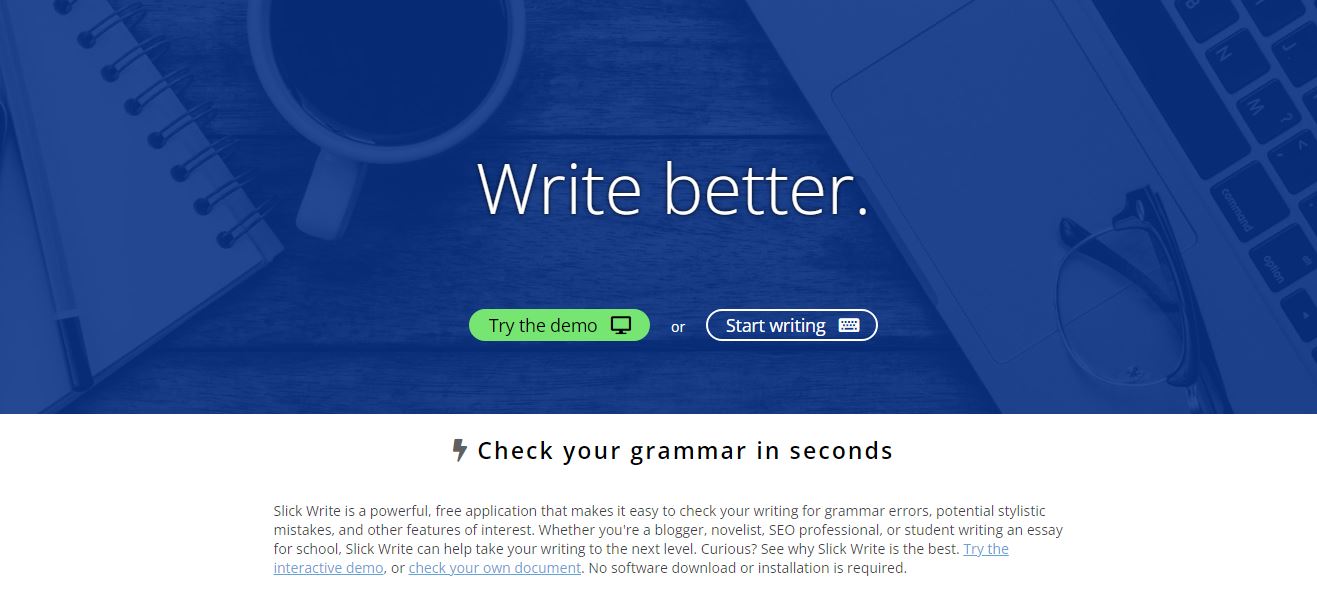
› Special Features:
• Faster than ever grammar checker
• Customizable feedback that matters
• Reports that make an impact
› Pricing:
• You don't really need to pay them a single penny for the service. It's a free-to-use platform.
7. PaperRater
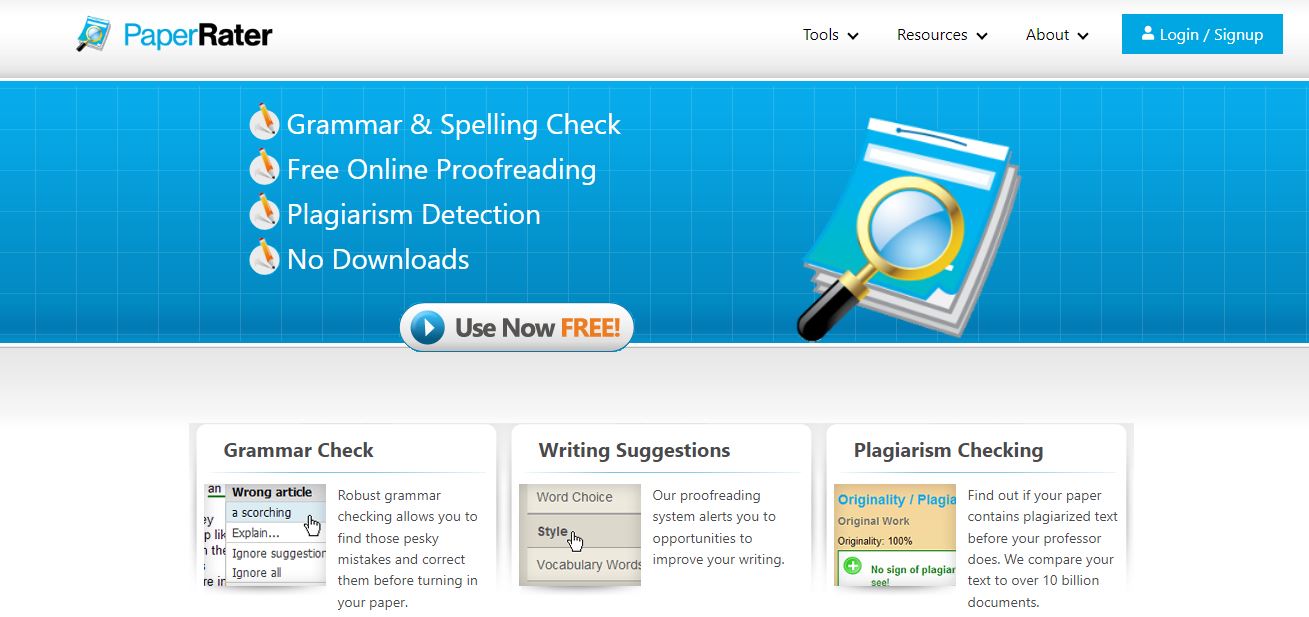
All those papers that you wish could be graded for the efforts that you've put in can now be entered into PaperRater for an analysis like no other platform. Unlike any other platform, PaperRater grades your existing text while also providing suggestions to make it better in terms of Grammar, word choice, and plagiarism issues.
› Special Features:
• Vocabulary builder that adds impressive words to the content
• Automated Scoring that gives you an idea about what your content deserves
• Customizable feedback and instructions
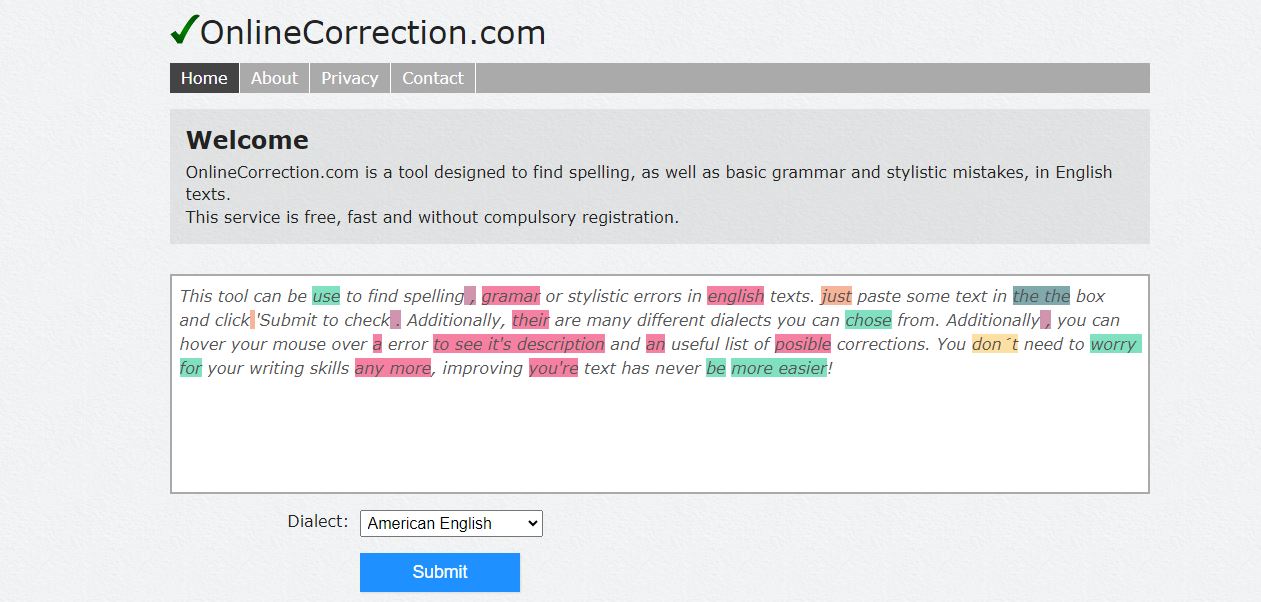
OnlineCorrection.com is a convenient and easy-to-use grammar tool that makes it extremely easy to eliminate all the errors from a text. Not just Grammar but, OnlineCorrection.com will also take care of the spelling and basic style errors in your content. You even have an option that's generally unavailable on other platforms to fill out a form if you're not satisfied with the suggestions that are provided by the platform.
› Special Features:
• Single page website
• Convenient to use
• Instant option to correct all the errors in a single click
› Pricing:
• Free to use!
9. HemingWay
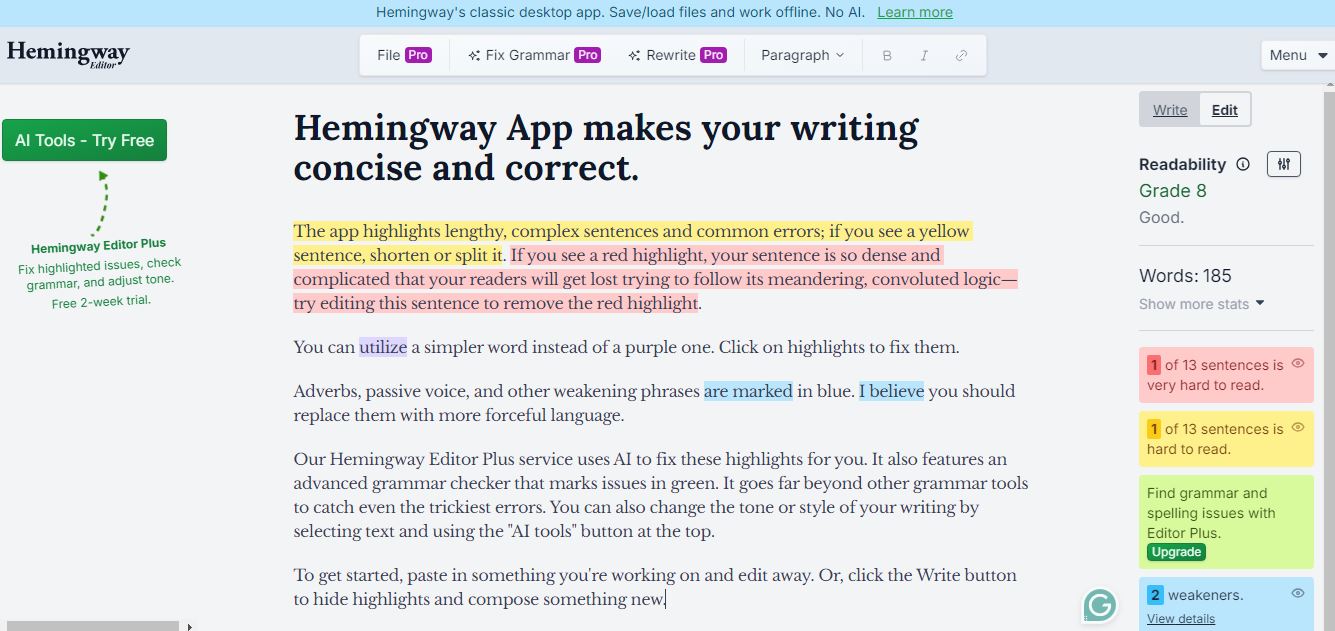
Its place in the list has nothing to do with the efficiency and accuracy of this particular platform. Many reputed writers around the globe use this particular platform to add value to their content and proofread it. With the most appropriate suggestions of all time, it also helps in shortening the sentences when needed. It makes it easier to spot the errors in a text and correct them by color coding in terms of their nature as spelling, grammatical, or style errors, sentence length, or use of too many adverbs.
› Special Features:
• Colour Coding
• Valuable suggestions
• Grader
• Desktop application available
› Pricing:
• Hemingway editor is free of cost.
10. LanguageTool
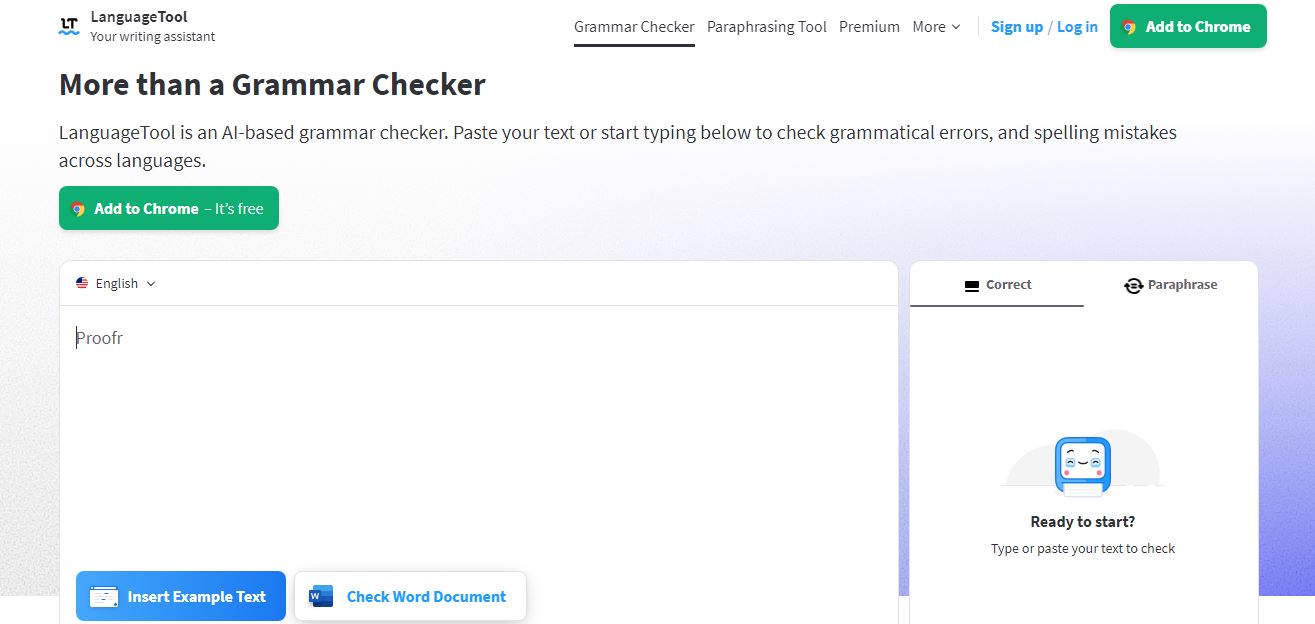
When a writer wished to have a tool that could analyze a piece of content to pick up a certain tone from American style to British, LanguageTool probably heard it. It can sometimes be really important to take care of the small changes that British or American English can make in a document, and these can easily miss our attention.
› Special Features:
• Colour coding the errors
• 20 languages applicable
• Different writing styles can be set for thorough analyzation
• Available plugins for Firefox and Chrome
› Pricing:
• Free for up to 20,000 words per check, and 91.58/month for a premium plan
» Conclusion
If you've patiently gone through the description of all these tools, you'd know that some of them are a lot better than Grammarly for a price lower than theirs. You don't need to depend solely on Grammarly to ensure quality text now since there are 10 options waiting for you to discover them. Choose them for your particular requirements in content from different styles to languages! With that being said, we sincerely hope that these alternatives work well for those of you who have been searching for potential Grammarly Alternatives for ages.» Frequently Asked Questions (FAQs)
1) What is Grammarly and how does it work?
Grammarly is an AI-based grammar-checking software. It alerts and corrects spelling mistakes, wrong punctuations, and word choices, and suggests a suitable alternative. You have to upload a document or copy-paste a write-up for it to check in the web version, or you can enable the Grammarly keyboard on your phone. It maintains the tone and vocabulary according to the type of audience.
2) Which is better Grammarly or Ginger?
Grammarly allows you to do a plagiarism checker and check uploaded documents that Ginger does not have. Ginger can support over 40 languages, and Grammarly only works with the English language. There is no Text-to-speech option in Grammarly online Ginger too. So if you are bilingual or use a language other than English, ginger will work better for you.
3) How much does Grammarly cost?
You can check the basic spelling checks, and punctuations in the free version, but to unlock suggestions of word choices, usage of passive voice, and so on, you need to have Grammarly premium. If you go for a monthly plan, it will cost you $29.95 per month. For paying quarterly, it is $19.98 per month, and $11.66 per month for an annual subscription. You can also go for a team plan that will cost you $12.50 per month while billed annually.
4) What is the difference between Grammarly free and premium?
You can check basic spelling mistakes, punctuation, and usage of articles with the free version, one can also get suggestions against the errors. But you can only know the number of issues for advanced features like word choice, complex structure, passive noise misuse, and tone issues in free versions, with no detection of exact points of error or suggestions. These can make your write-up grammatically correct although the clarity, engagement, and other parameters might not be up to the mark. To unlock these extra features, you need Grammarly Premium.
5) What are some good Grammarly alternatives?
- ProWritingAid
- Readable
- WhiteSmoke
- Ginger
- Reverso
- Slick Write
- PaperRater
- OnlineCorrection.com
- Hemingway
- LanguageTool
6) Is there a free alternative to Grammarly?
Sleek Write is a free alternative to Grammarly. It highlights mistakes like passive voice, adverbs, repeated starting words, common starting words, etc. It also allows you to check the readability index, flow of contents, sentence, and word length.